Fast delivery by agents, with a person in control of every release.
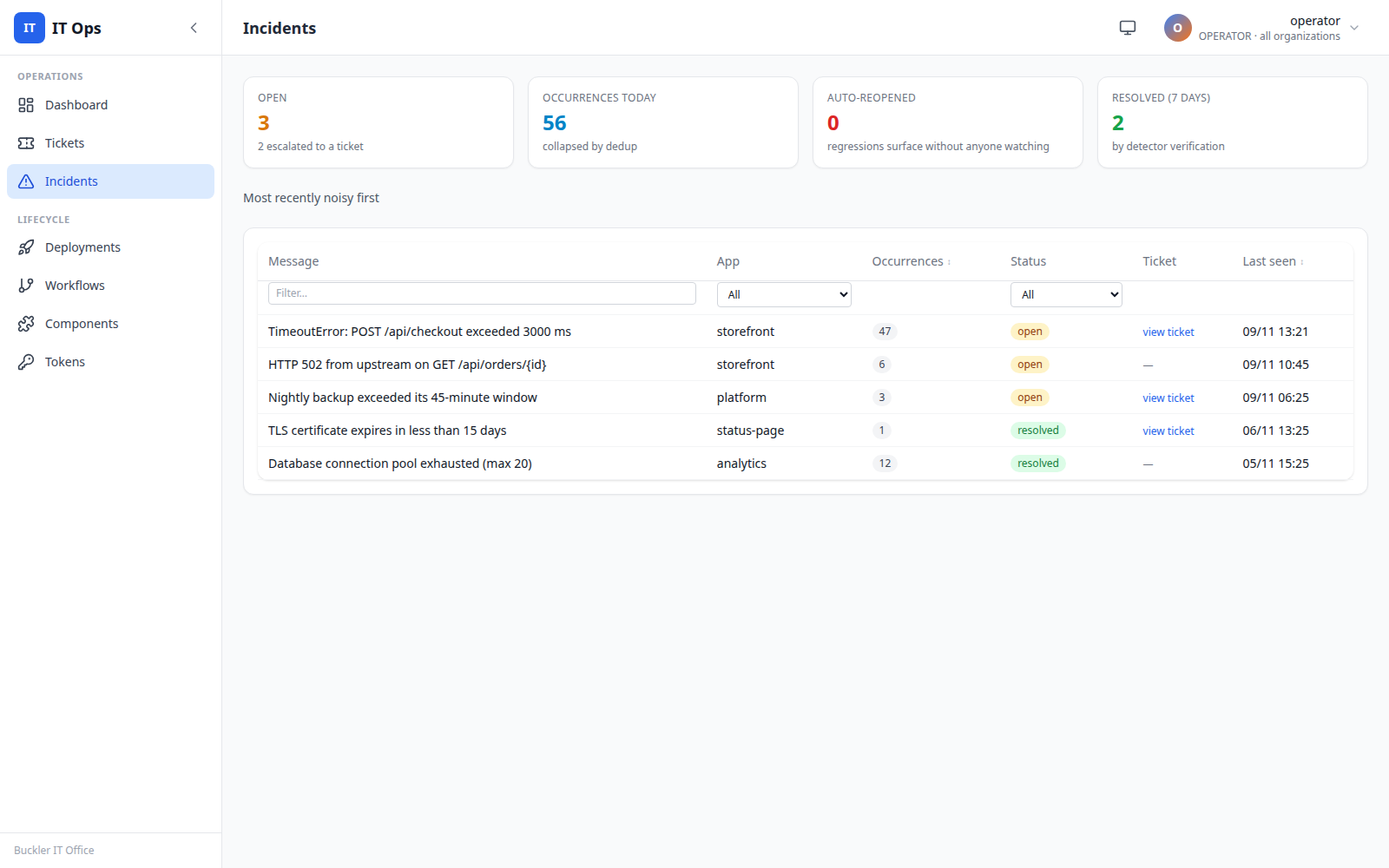
IT Ops is Buckler Professionals' operations console: tickets, incidents and the release pipeline for our applications, in one place where AI agents and people work side by side. I lead its engineering. In its first two weeks it ran 36 production releases across 3 applications, each approved by a person with a second factor and verified by a health check.
What it changes for the business
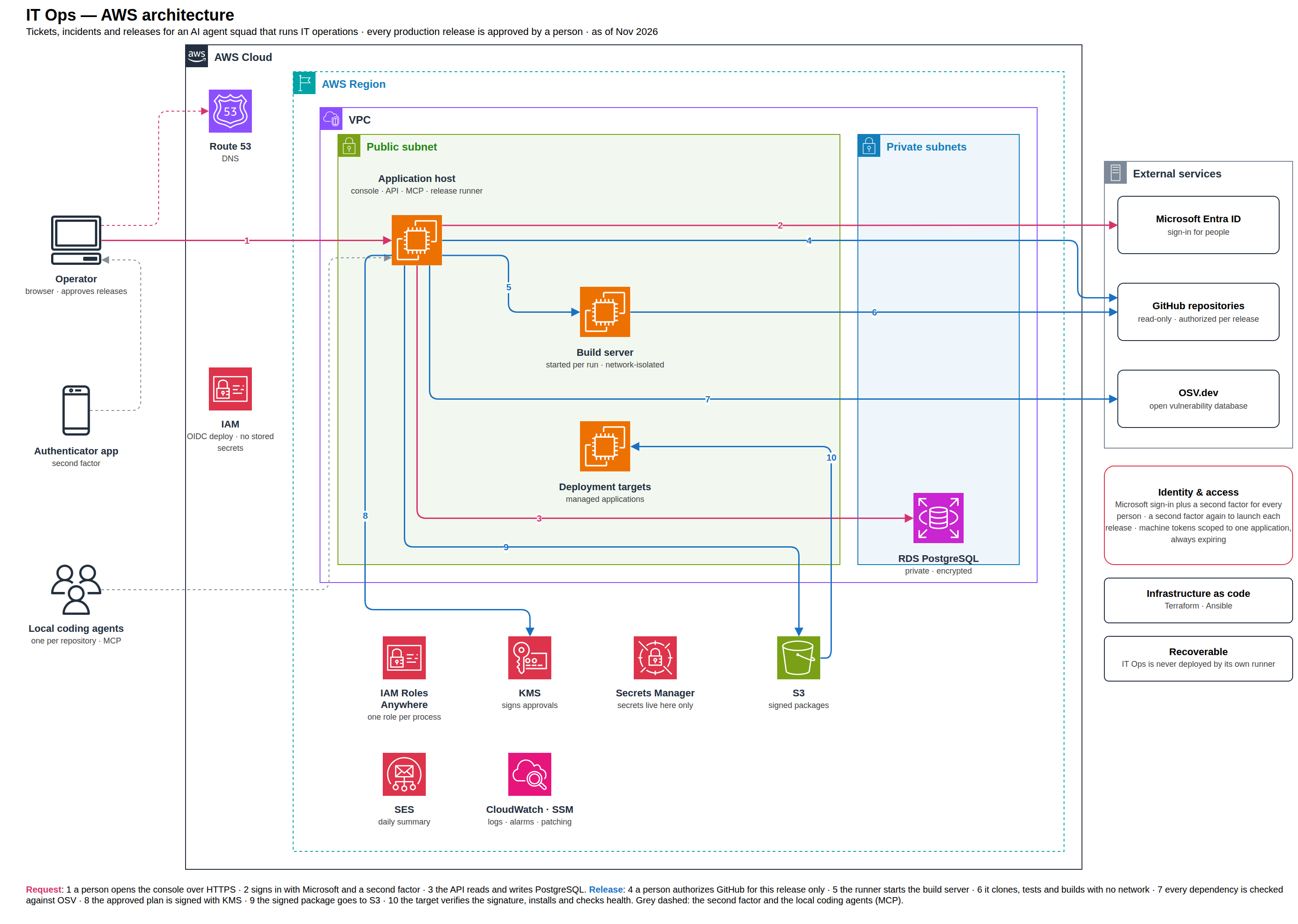
- Speed without losing control.Agents can work fast because the gates are mechanical: a release that fails a test, a scan or a signature check simply cannot ship.
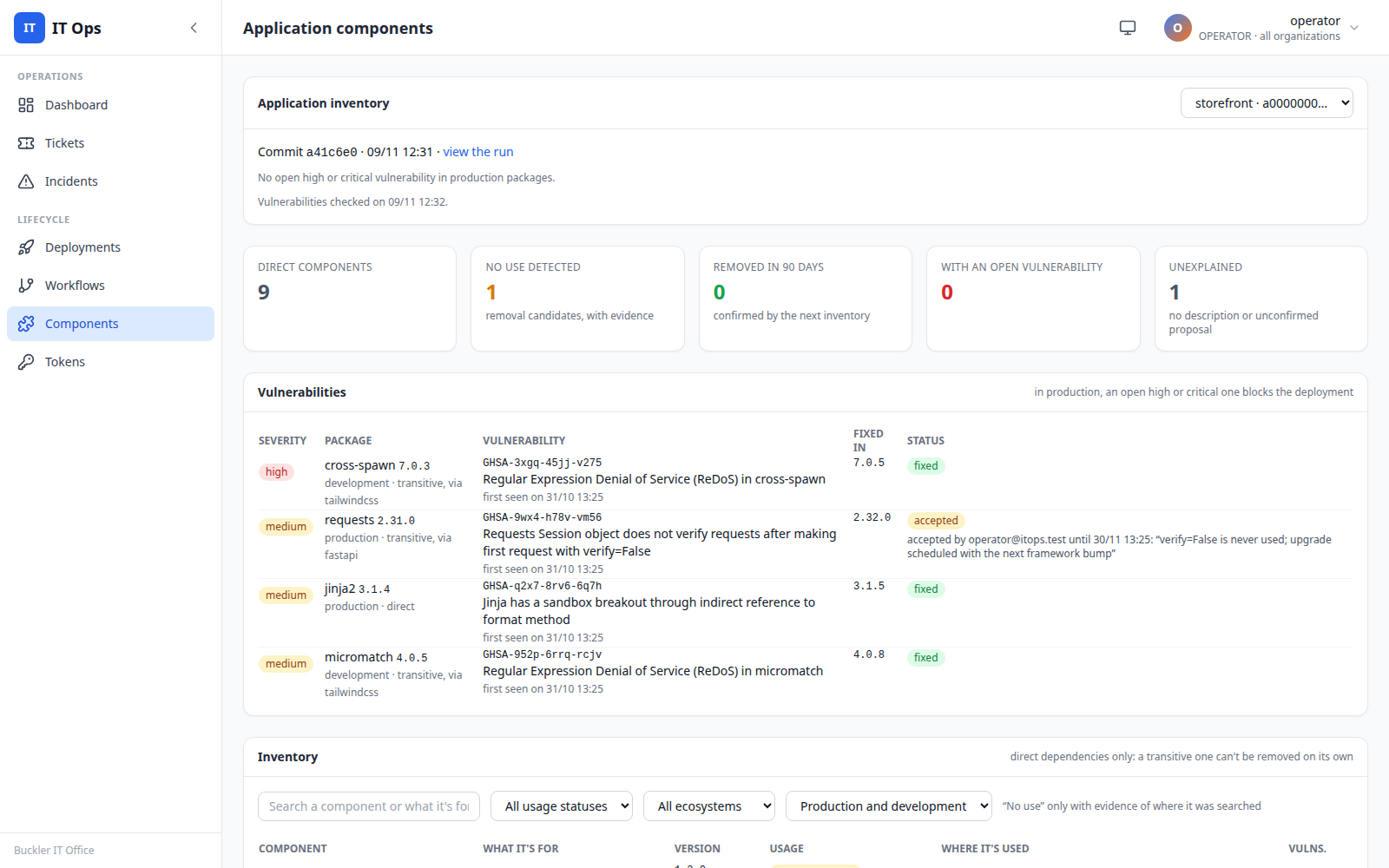
- Supply-chain risk handled before production.Every package in a release, direct and transitive, is checked against known vulnerabilities; an open high or critical finding blocks production, and only a person can accept a risk, with a reason and an expiry.
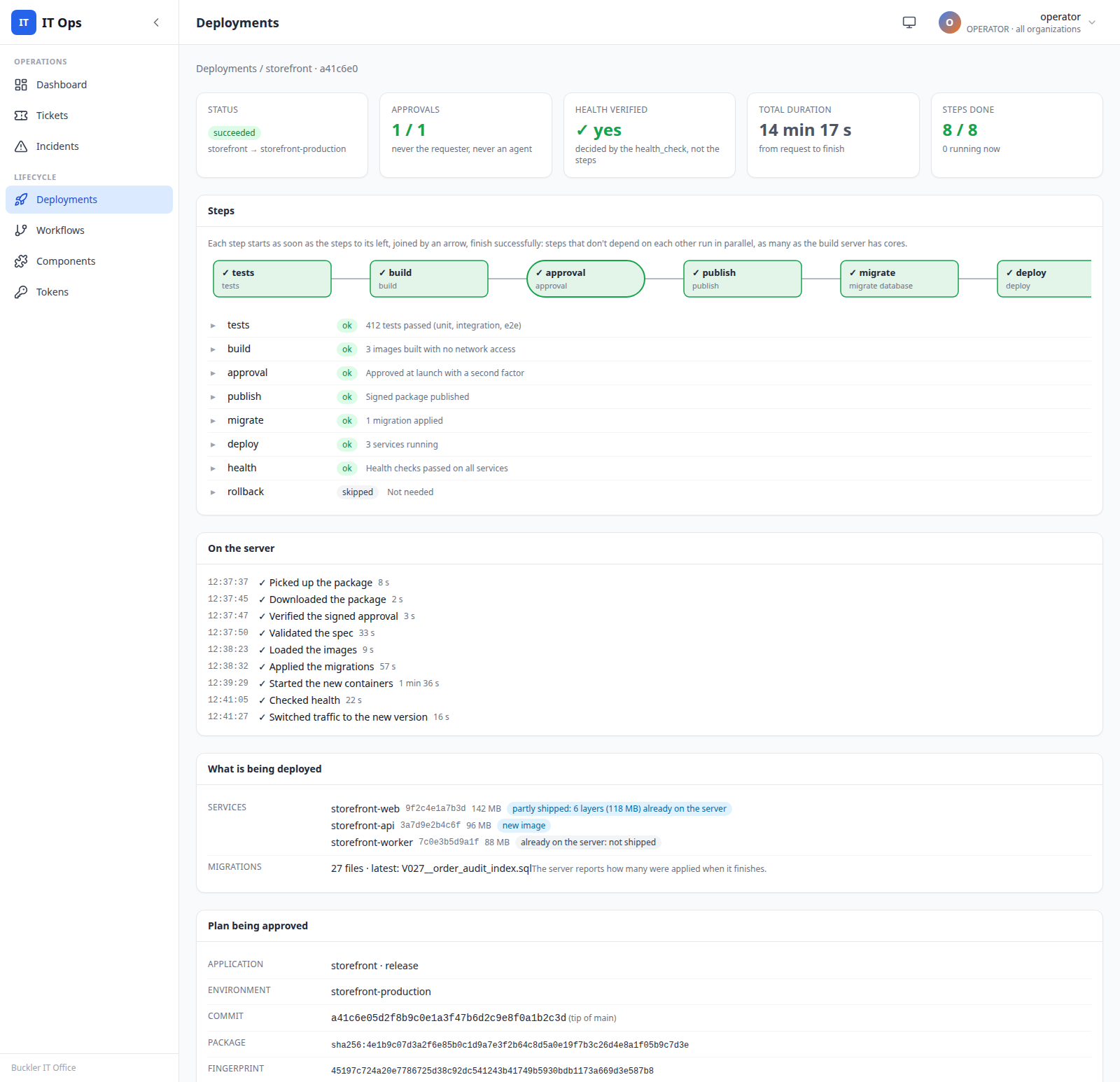
- A person approves every deploy.The approval covers one specific plan (version, commit and environment), needs a second factor, expires, and is never given by an agent.
- Limits enforced by the system, not by the prompt.Agents cannot approve a release, accept a risk, change code or see another organization: those routes simply do not exist for them.
How a change moves
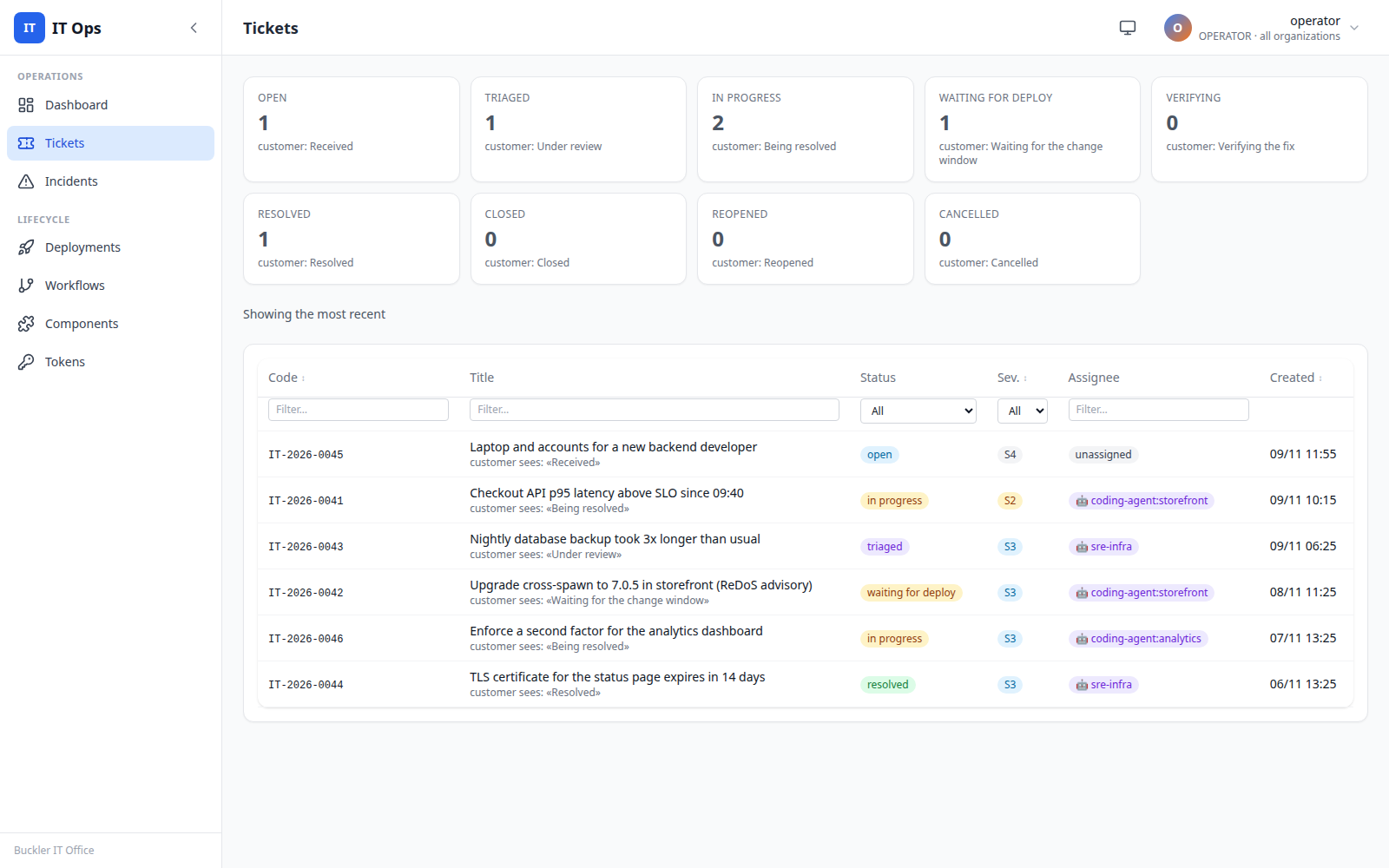
- From request to ticket.A request arrives in chat, Teams or email and becomes a ticket in IT Ops.
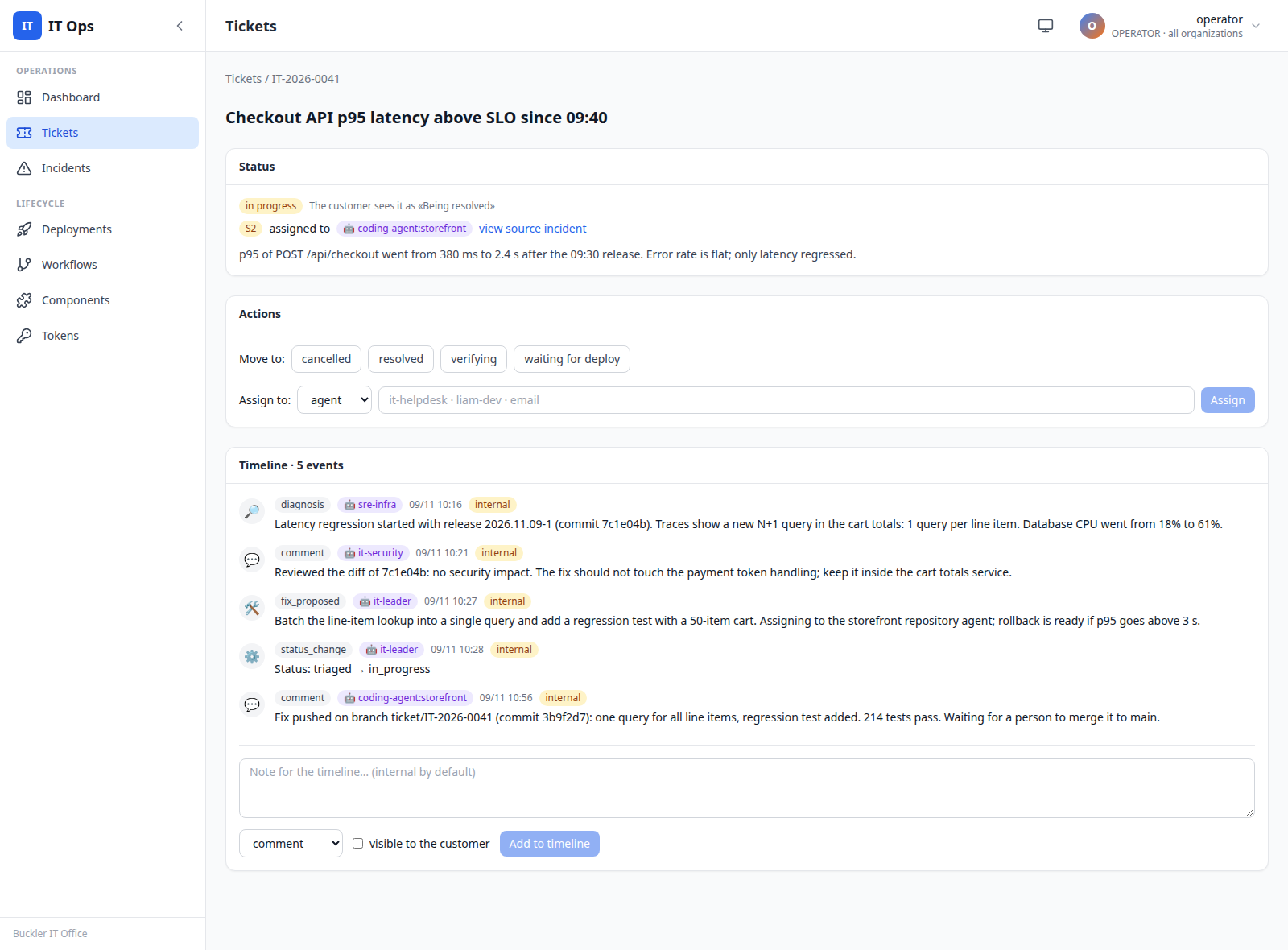
- The coding agent picks it up.The local coding agent of that repository reads it through MCP, works on a branch, runs the tests and moves it to ready for release.
- A person approves, the runner ships.The Release Manager agent requests the release; a person approves it with a second factor; the runner builds, scans and deploys it. The ticket closes only when a successful production release carries the change.
The operations squad
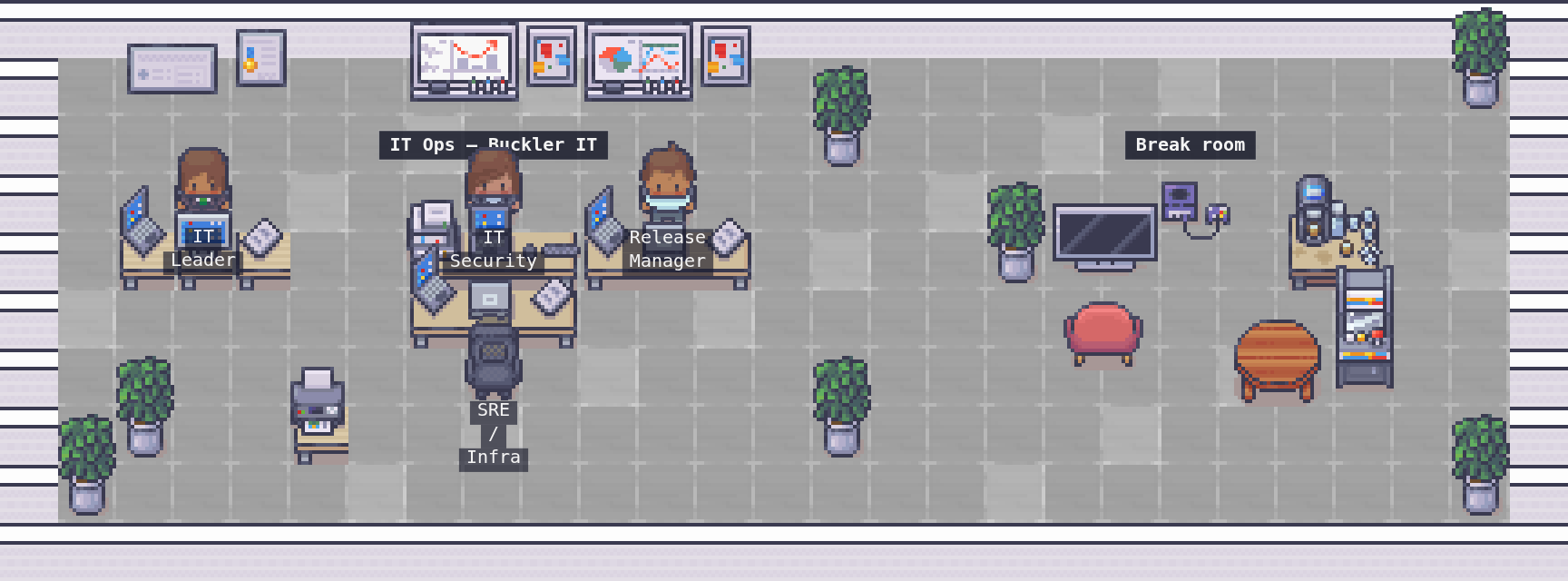
- Four agents from AI Offices.IT Leader, IT Security, SRE/Infra and Release Manager create and update tickets, report and verify incidents, review vulnerabilities and request releases.
- People stay in the loop.A development request enters the queue only when a person approves it, and each agent’s token is injected at runtime, so the model never sees it.